An error page informs a visitor when there is a problem accessing your site.
To start using it, go to “cPanel>Advanced>Error Pages”. 
You can find 2 steps in this function. In Step 1 you can select domain to manage error pages. 
In Step 2 you can edit error pages for previously selected domain. Click on one of the common error codes to edit it. If you want to you can check all HTTP error status codes. 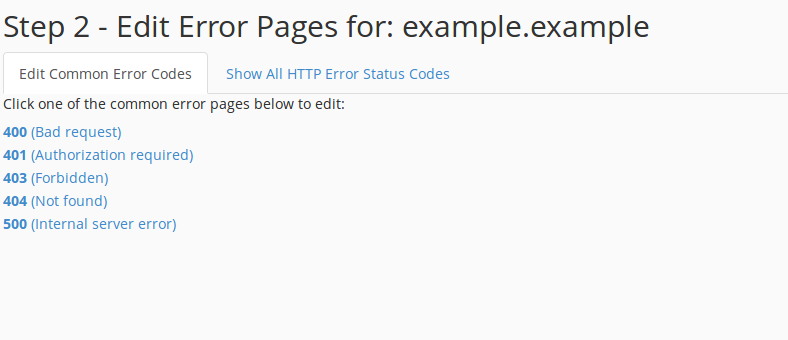
If you still need help, please contact our Support