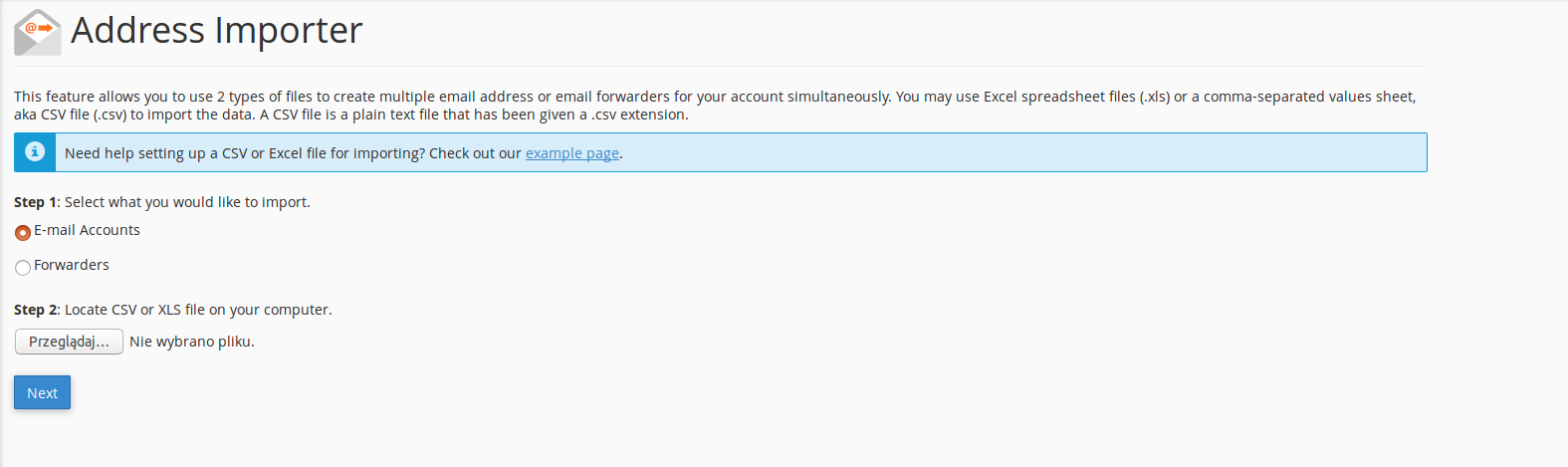
If you want to import e-mail accounts or forwarders from CSV and XLS external files, go to the "cPanel>Email>Address Importer", select what you would like to import and choose file from your computer.
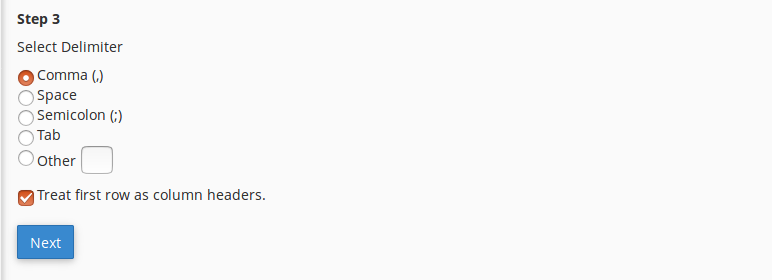
Then choose a delimiter such as comma, space, semicolon, tab or other. You can also treat the first row as columns headers..
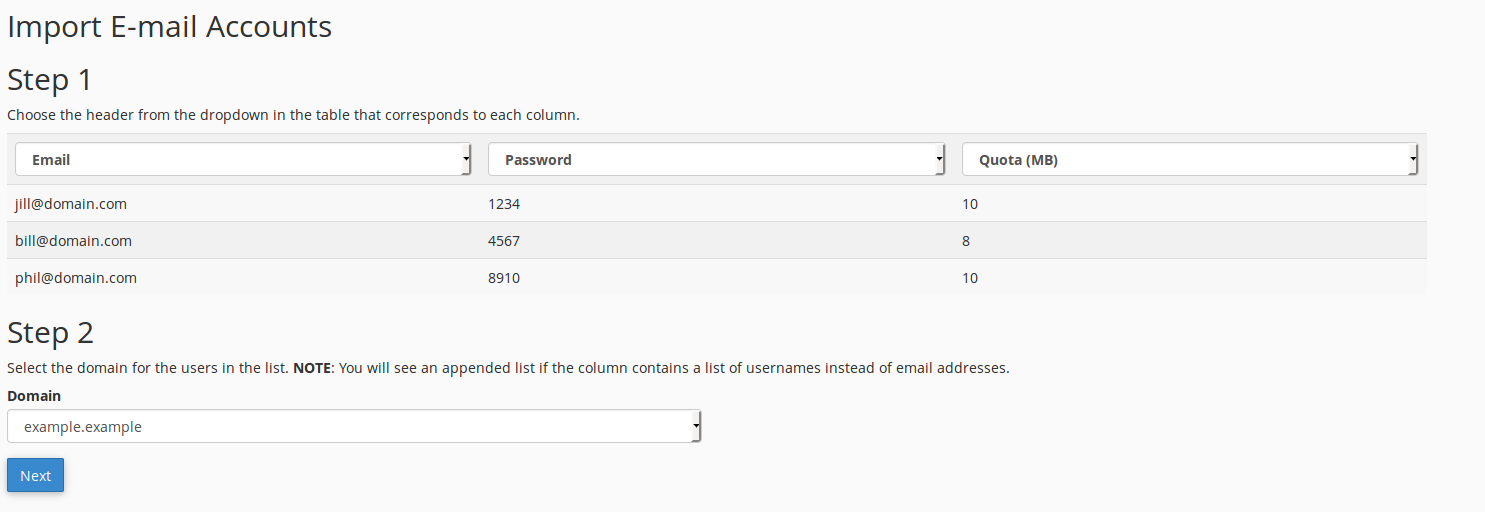
After importing file choose header for the columns from the dropdown and select your domain for the users.
If you still need help, please contact our Support