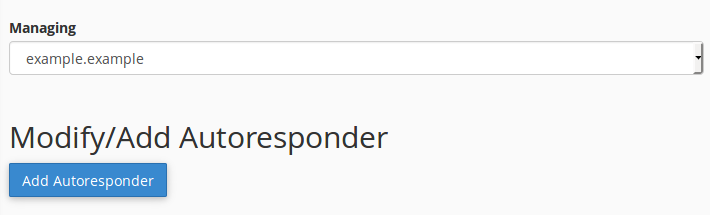
If you want to send automated emails, go to the "cPanel>Email>Autoresponders". Choose your domain for which you want to create the automation and click "Add Autoresponder"
In the next step insert all require information as :
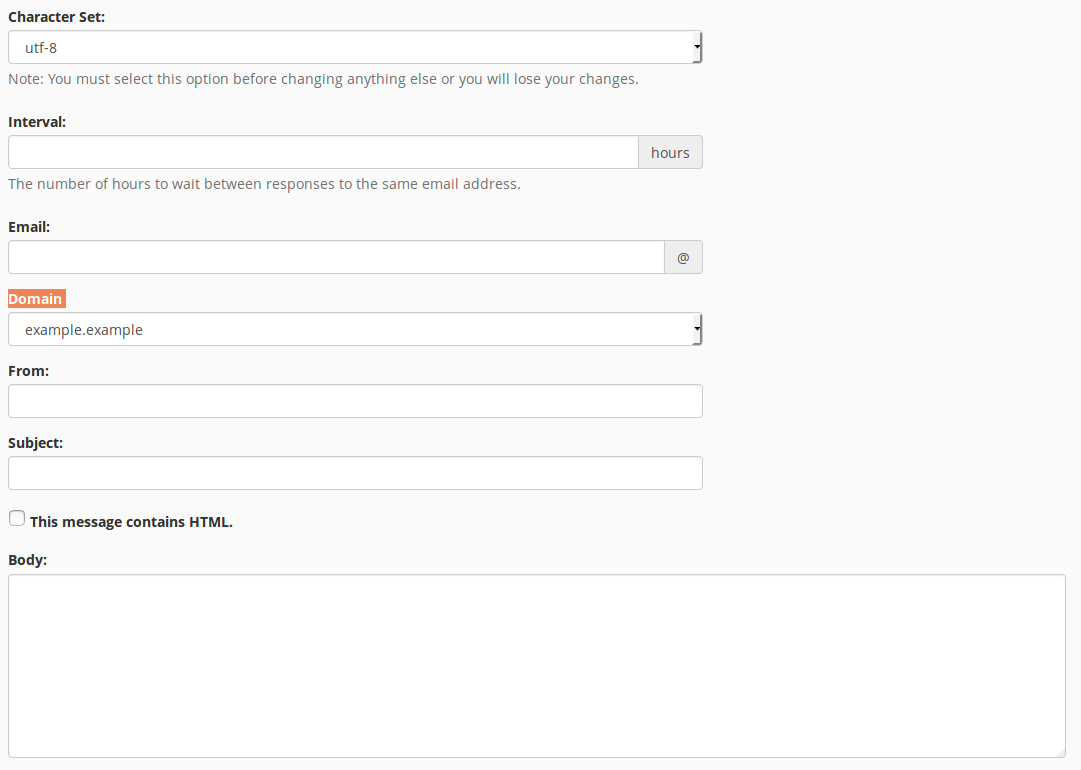
- Character set - In what charset you want write message
- Interval - How many hours do you want to wait between responses to the same email account
- Email - Your email address
- Domain - It will be default when you chose your domain in previous step
- From - Name of the sender
- Subject - Tittle in the message
- Body - Your text message. You can also enable HTML in your body.
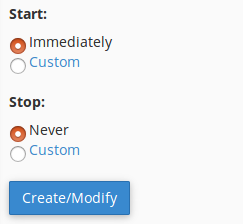
You can choose the time to start your automated sending and when it should be stoped. In deafult you have "Immediately" and "Never" options but you can choose "Custom" to set your own settings.
After all the steps, click "Create/Modify".
If you still need help, please contact our Support