To create new email account go to "cPanel>Email>Email Accounts", set all require information and click "Create Account".
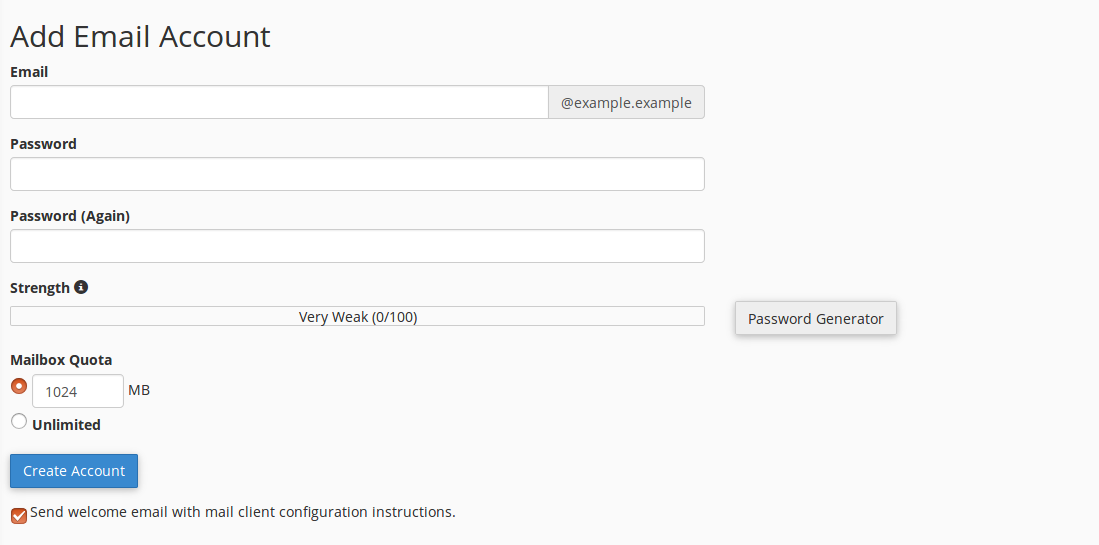
You can manage your new e-mail account
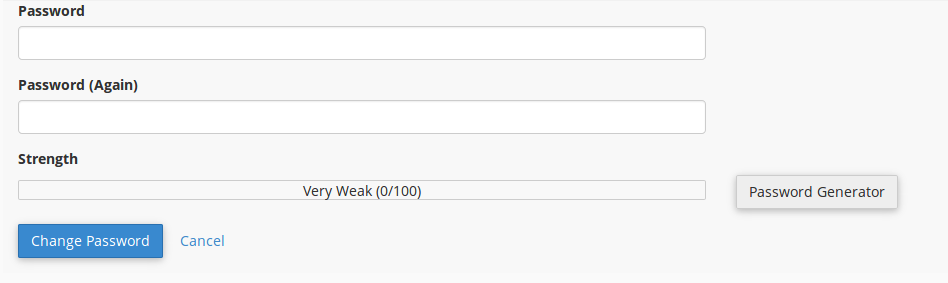
Change password to the email account:
Click Password for the appropriate email account.

Set your new Password for the account
Set Up Email Client.
Click "Set Up Mail Client" for the email account.
Choose your "Client" and procced automaticly configuration for your "Mail Client"

You can choose "Manually Configuration:
Username - Your email address
Password - Password to your email account
Incoming Server - Servername (cpanel.example.com) IMAP Port:993 POP3 Port: 995
Outgoing Server - servername (cpanel.example.com) SMTP Port:465
To change mailbox quota press "Quota" in your email account and set up changes.

Press "Save" button