You can creat filters for "All mail on your Account" or just for by "User".
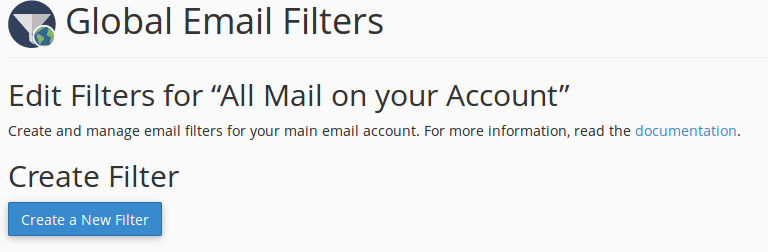
For global email filters, go to the "cPanel>Email>Global Email Filters" and press "Create a New Filter".
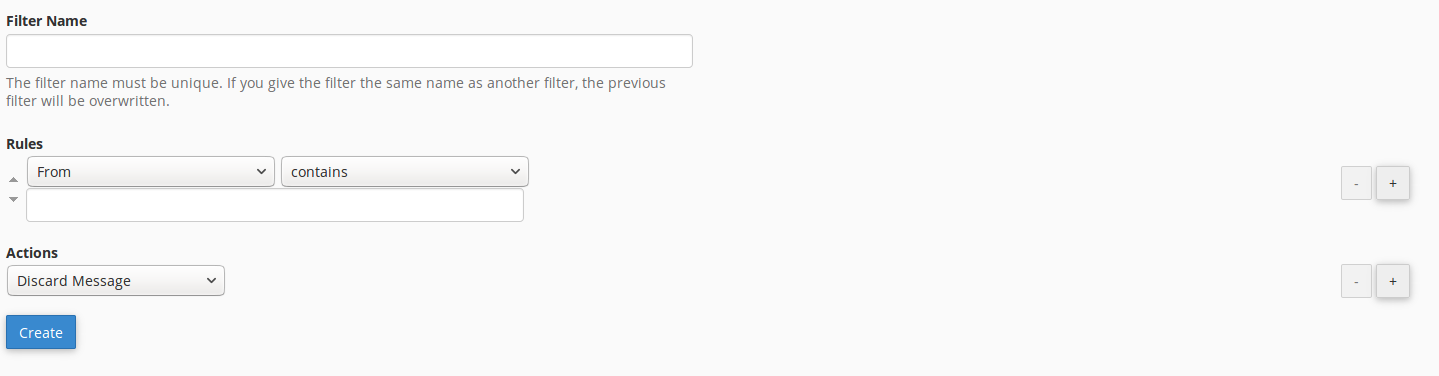
Here you can add your unique name for your filter and create rules and actions which will be done when the rules are established.
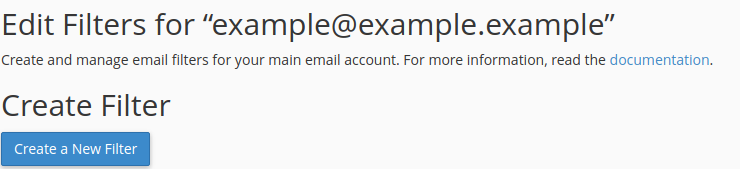
For account email filters, go to the "cPanel>Email>Email Filters", choose an account and in "Actions" column press "Manage Filters".

In the next step press "Create Filter"
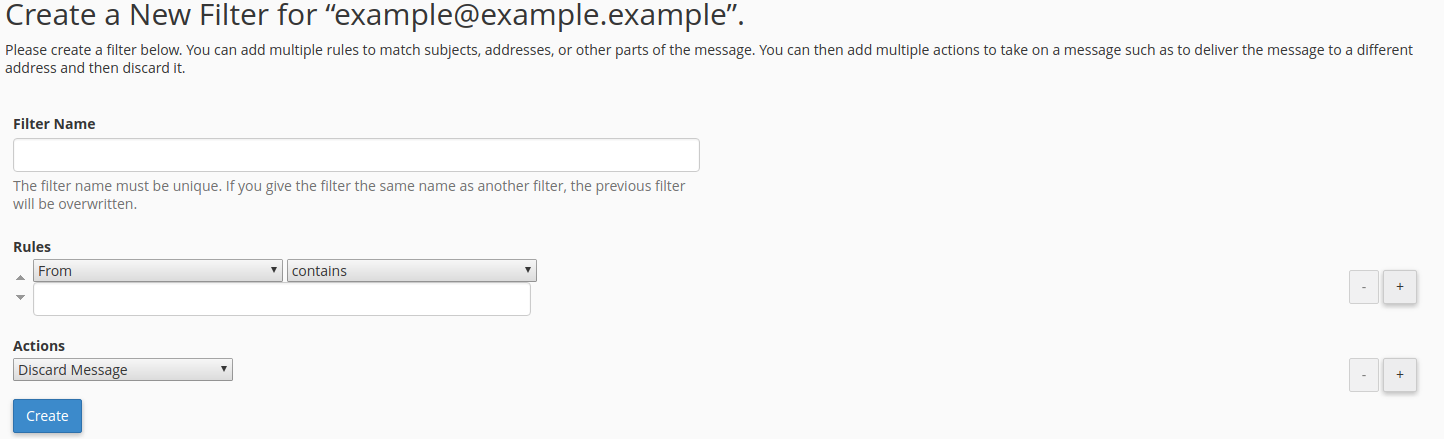
Here you can add your unique name for your filter and create rules and actions which will be done when the rules are established.
If you still need help, please contact our Support