The Index Manager allows you to customize the way a directory is viewed on the webpage. You can select between a default style, no indexes, or two types of indexing.
To start using Index Manager, go to the “cPanel>Advanced>Indexes”. 
This function allows you to choose the folder you wish to protect by clicking on its name. 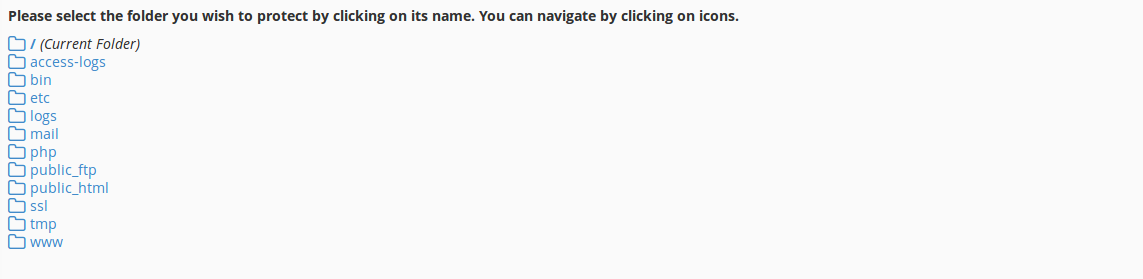
Once you have chosen a file, you can set indexing for it. 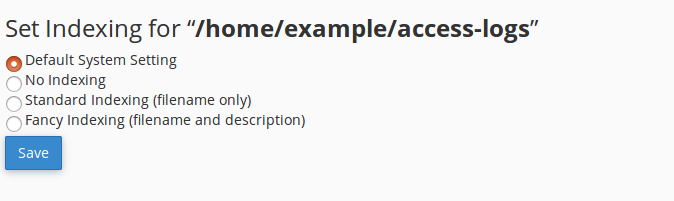
If you still need help, please contact our Support