Using cPanel Images module you can easily create thumbnails from your images, scale them or even convert them to different file types.
To start manipulating your images, go to the “cPanel>Files>Images”. 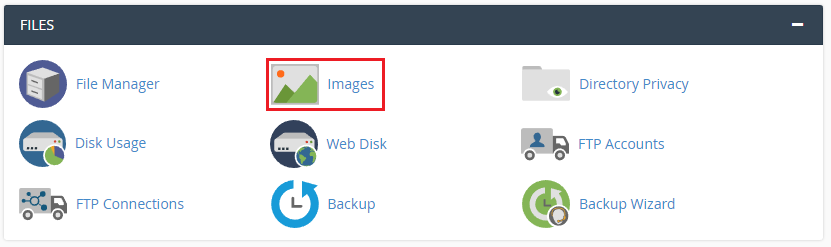
Here you can chose what you want to do with your images. 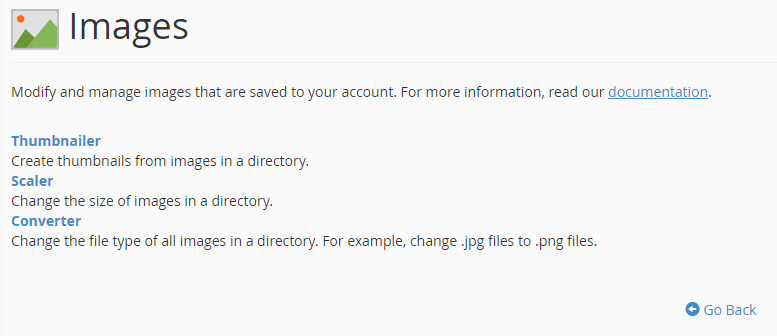
Thumbnailer creates thumbnails from all of the images in the directory you selected. 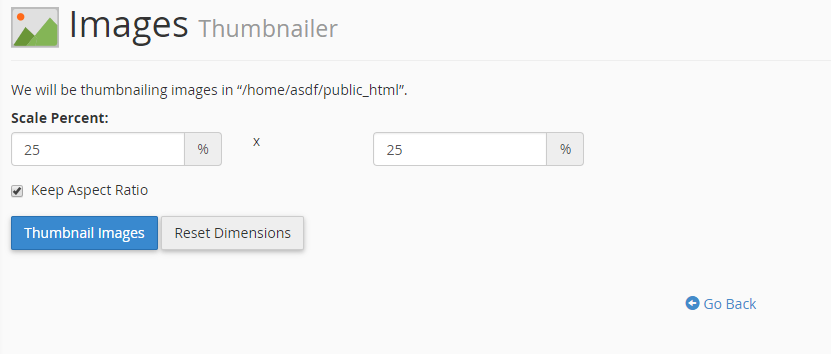
Scaler changes the size of all images in the directory you selected. 
Converter changes the file type of all images in the directory you selected. 
If you still need help, please contact our Support