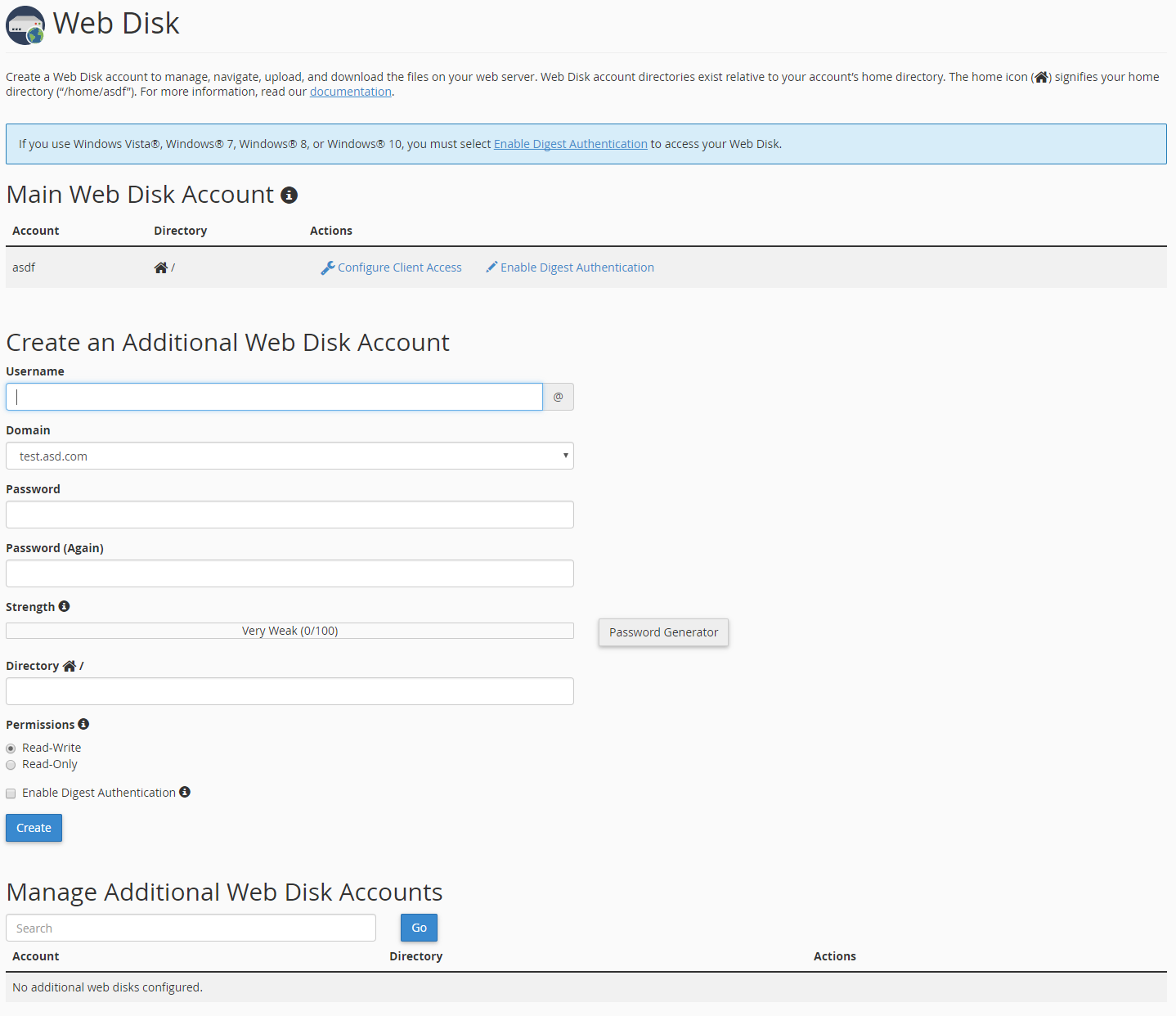
Create a Web Disk account to manage, navigate, upload and download all of the files on your web server. In order to do so, go to the “cPanel>Files>Web Disk”.

Now fill new Web Disk account data and click “Create”.
We strongly suggest using Password Generator to generate your password instead of typing it manually.
If the creation of the account is successful, configure client access.
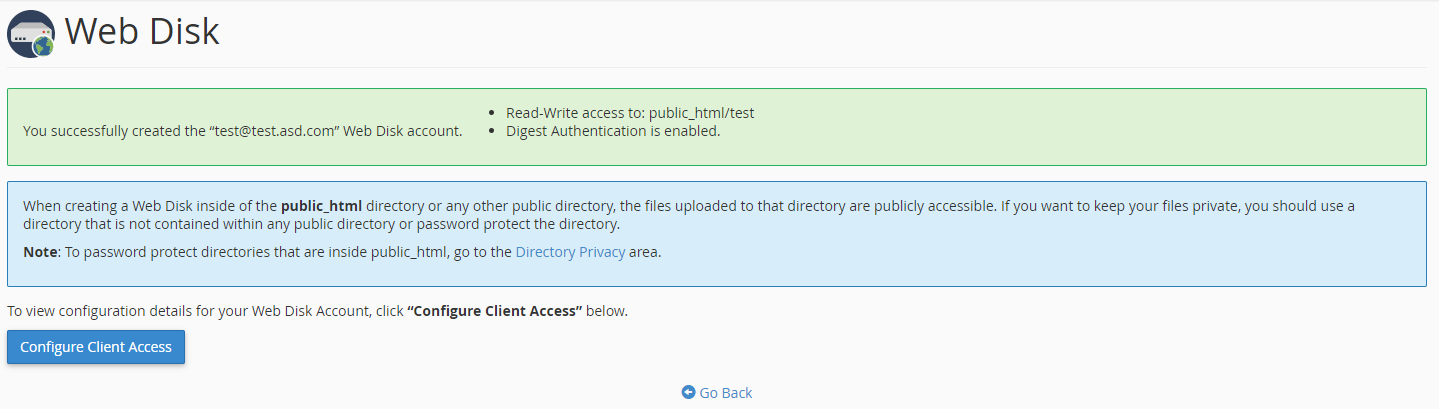
Here you can select your machine operating system and download configuration script to connect to your Web Disk.

If You still need help, please contact our Support